
Turn a recorded lecture into an active study session
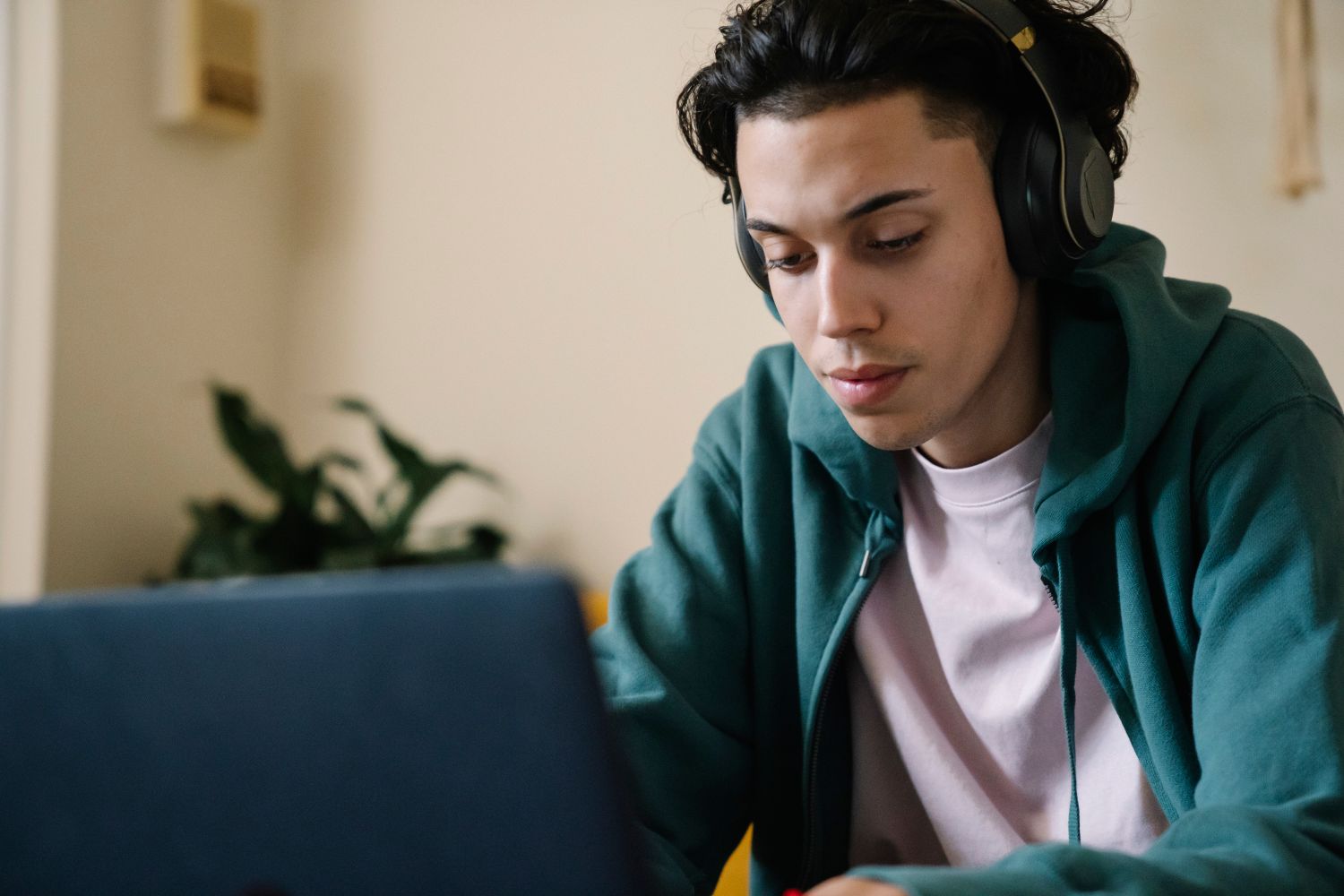
A recording gives you control over when to pause and return to a difficult explanation. Use that control to make an attempt, ask a question and check what you understood.
Decide what this viewing is for
Before pressing play, inspect the lecture title, stated outcomes and any accompanying materials. Choose a purpose for the session: follow a new argument, revisit a particular example or connect the lecture to an assignment. Write a question you expect the recording to help answer.
Make sure you are using the version and materials intended for your course. If the recording refers to a worksheet or reading, open it first. Having the relevant material nearby can save you from repeatedly interrupting the session to search for a file.
Pause at a meaningful boundary
Instead of trying to transcribe every sentence, pause after a completed explanation or worked example. Write the central point in your own words, then name what supports it. For a problem-solving lecture, cover the next step and make your own attempt before resuming. For a discussion, outline the claim and the reason offered for it.
Choose a playback speed that lets you follow the material. Faster viewing is not a useful target if you need to rewind every sentence. Slowing a section down or replaying it can be a practical choice, especially when notation or terminology is new. Use captions or transcripts where available, while checking important terms against the course materials.
Separate navigation notes from learning notes
A timestamp is a locator, not an explanation. Record it beside a short note about what happens there: '12:40, example of comparing two explanations.' Underneath, add your own account of the method or connection. This makes the recording easier to revisit without turning your notes into a sequence of unexplained times.
If something remains unclear, write the specific gap. 'Why is the second case excluded?' gives you a question to bring to class. 'Did not understand this part' is a useful warning to yourself, but it needs more detail before someone else can help.
Finish away from the playback controls
Close or pause the recording and answer your opening question using your notes. Try a related task from the course if one is provided. Compare your explanation or attempt with the materials, and mark anything that still needs checking. Watching the end of a video and understanding the ideas are different milestones.
Keep a short return list rather than replaying the entire lecture whenever a detail is uncertain. A timestamp, a question and a reason to return are enough. Your next session can then begin with a defined task instead of another complete viewing.
Try this, one step at a time
- Choose a question and open the accompanying materials.
- Pause after an explanation and make your own attempt.
- Answer the opening question and record any unresolved point.
Original editorial ideas, published October 19, 2026. These are optional experiments to adapt to your circumstances, not promises of a particular result.